
AI coding assistants split into editor tools, terminal agents, and enterprise platforms, so the right one follows the job, with Cursor the best all-round pick and Claude Code the runner-up for large codebases.
Cursor is the top overall pick, with a codebase-aware agent that edits across many files inside an AI-native editor.
GitHub Copilot is the best free start and the widest IDE reach, with a real free tier and coverage across almost every editor.
Tabnine is the pick for privacy and regulated teams, and the only mainstream tool with fully air-gapped, self-hosted deployment.
Why the Right Pick Depends on the Job
Developers start shopping for an AI coding assistant when typing stops being the bottleneck and the real work becomes reading an unfamiliar codebase, refactoring across files, or shipping a feature under a deadline. The field has split three ways, editor assistants that keep the AI where you write code, terminal agents that take on whole-repo work on their own, and enterprise platforms built for privacy and compliance. Code-generation quality has converged enough across the leaders that workflow fit now decides the winner, so the choice comes down to where you work, how much autonomy you want to hand over, and what your organization will let you send to a model.
Cursor
Cursor is the tool most developers should try first. It is an AI-native editor built on a VS Code fork, so it feels familiar on day one, but its center is a codebase-aware agent that indexes the whole project, plans a change across files, and applies it in one pass, and it now runs several background agents in parallel with MCP support for external tools. The tradeoff is real, since committing to Cursor means committing to a separate editor, so a team standardized on another IDE has to switch, and heavy agent use burns frontier-model credits that push the monthly bill up the tiers. For most individual developers and small teams, though, it hits the best balance of speed, autonomy, and a familiar surface. It also reviews pull requests through a Bugbot add-on, and leaning on its Auto mode, which picks a cost-efficient model for each task, keeps credit spend flat until you deliberately reach for a frontier model.
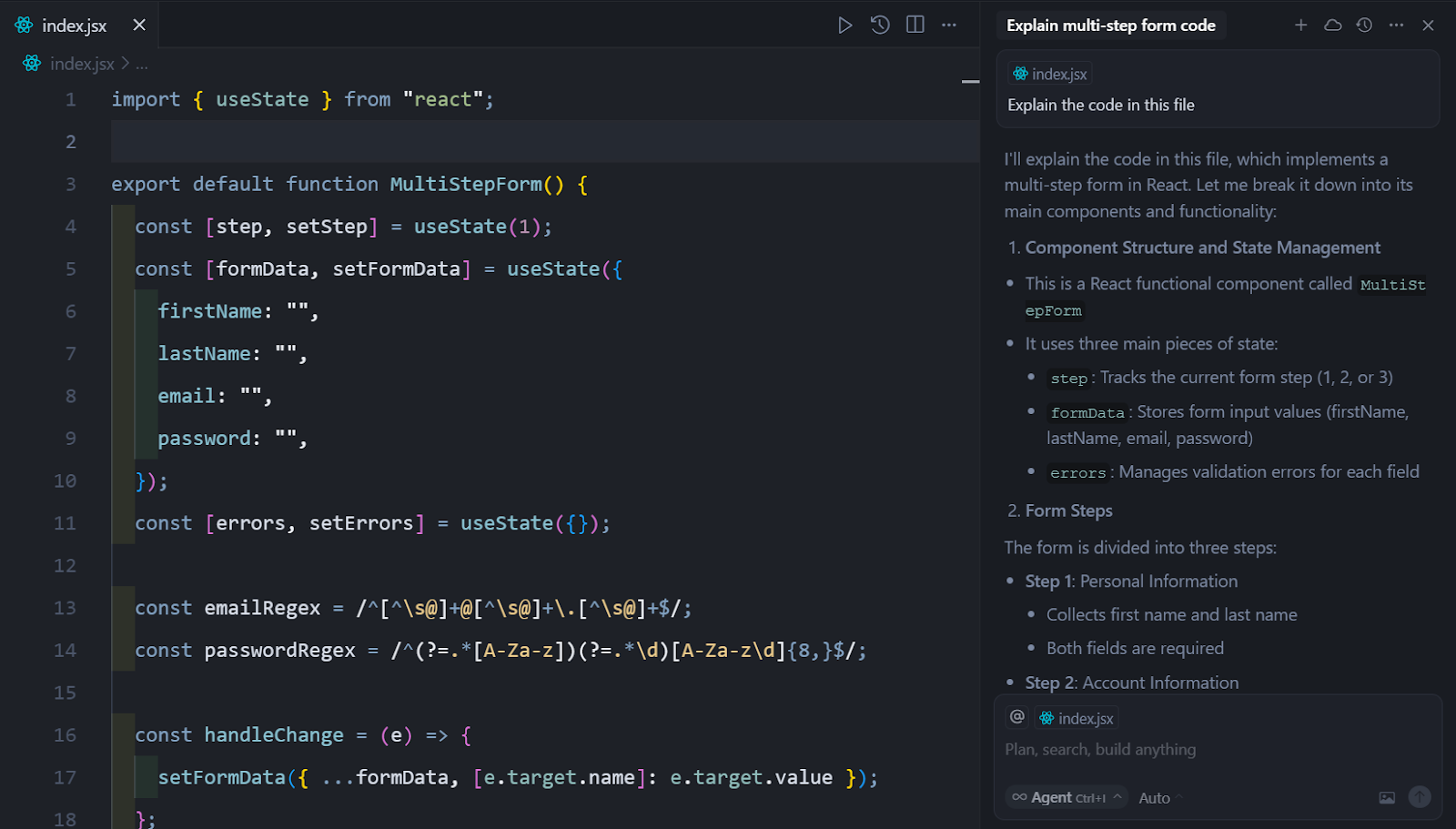
Best for: Developers who want agentic multi-file editing without leaving the editor.
Pricing: Free Hobby tier, Pro at $20/mo, Pro+ at $60, Ultra at $200, and team seats from $40.
Standout: A codebase-aware agent with fast Tab autocomplete and parallel background agents.
Limitation: Adopting a separate editor, plus agent credit costs that climb with heavy use.
Claude Code
Claude Code is the pick when the codebase is large and the hard part is reasoning across it. It is a terminal-native agent from Anthropic that reads the whole repository, runs commands on its own, edits across many files, and opens pull requests with far less step-by-step prompting than an editor assistant needs, and Anthropic's models sit at the top of the SWE-bench Verified benchmark for real-world engineering tasks. It runs in the terminal, inside VS Code and JetBrains, and on the web, so it fits backend and monorepo work where an editor-bound tool runs out of room. The cost is a terminal-first learning curve and token spend that climbs on very large repositories, which is why it reads as a power tool rather than a first tool. A CLAUDE.md file gives the agent persistent project memory, subagents split a big migration into parallel work, and many teams run the flat Max plan for daily coding while pointing CI at per-token API billing for spiky jobs.
Best for: Large codebases and backend work that need repo-wide reasoning.
Pricing: Bundled with a Claude subscription, Pro at $20/mo or Max at $100 and $200, or per-token through the API.
Standout: The deepest autonomy on multi-file work, backed by top benchmark scores.
Limitation: A terminal-first learning curve and token costs that grow with repo size.
GitHub Copilot
GitHub Copilot is the value pick and the one that reaches the most developers where they already are. It delivers inline completions and chat across almost every editor, from VS Code and Visual Studio to JetBrains, Neovim, and Xcode, and it adds an agent mode plus a GitHub-native coding agent that turns an assigned issue into a pull request. A usable free tier and a $10 Pro plan make it the cheapest way to put AI in front of an individual developer, and $19 Business seats cover a whole team without a painful bill. The catch is autonomy, since its agent is less independent on long multi-file runs than dedicated agents like Cursor or Claude Code, and its move to token-metered credits means agent-heavy users now watch a monthly allowance. Paid plans add a model picker across GPT, Claude, and Gemini so you can match the model to the task, and the free tier's roughly two thousand monthly completions genuinely cover light daily work.
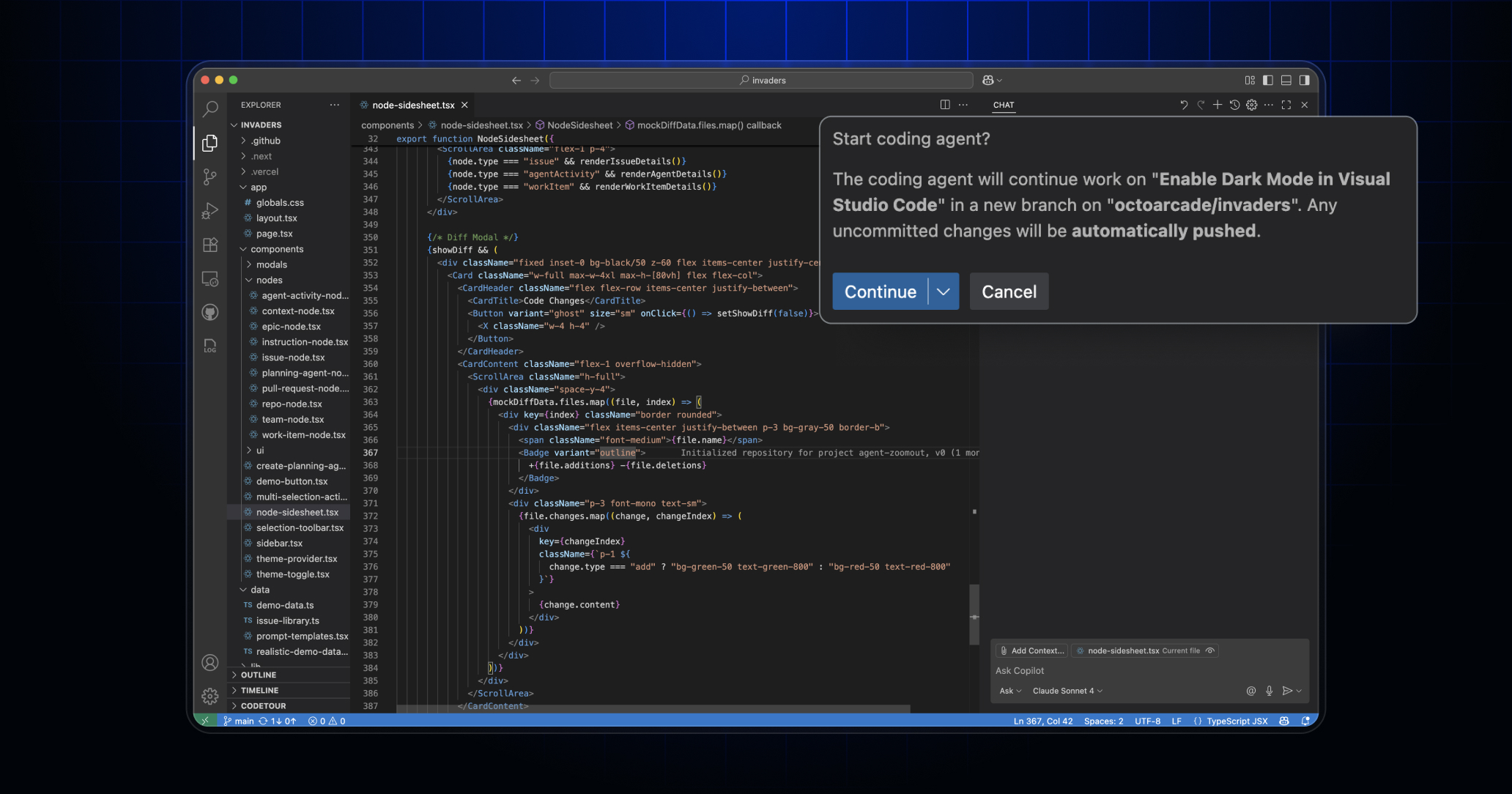
Best for: Developers who want suggestions in their current IDE at the lowest cost.
Pricing: Free tier, Pro at $10/mo, Business at $19/seat, and Enterprise at $39/seat.
Standout: The broadest IDE coverage of any tool here, plus an issue-to-pull-request workflow.
Limitation: An agent mode less autonomous than dedicated agents, and metered credits on paid plans.
Windsurf (now Devin Desktop)
Windsurf is the agent-first editor in the middle of a real transition. It began as Codeium, became Windsurf, and as of June 2026 ships as Devin Desktop after Cognition, the company behind the autonomous agent Devin, acquired it. The repositioning is direct, since Devin Desktop is pitched less as an editor with AI attached and more as a manager for every coding agent you run, with an Agent Command Center that shows local and cloud agent sessions in one Kanban view, Spaces for grouping context, Codemaps that annotate a codebase visually, and an in-house SWE model fast enough to cut the frontier-model token bill. It also embeds Cognition's Devin cloud agent and its code-review agent, and supports the open Agent Client Protocol, so outside agents like Codex or Claude run inside it. The honest concern is maturity rather than capability, since the signature Cascade engine is being retired for a rewritten Devin Local, and the roadmap now follows Cognition's broader Devin strategy, so a buyer today is buying into the middle of a merge. On cost, usage-based token billing has since arrived, though inline completions stay free, so agent-heavy users now draw against a metered allowance.
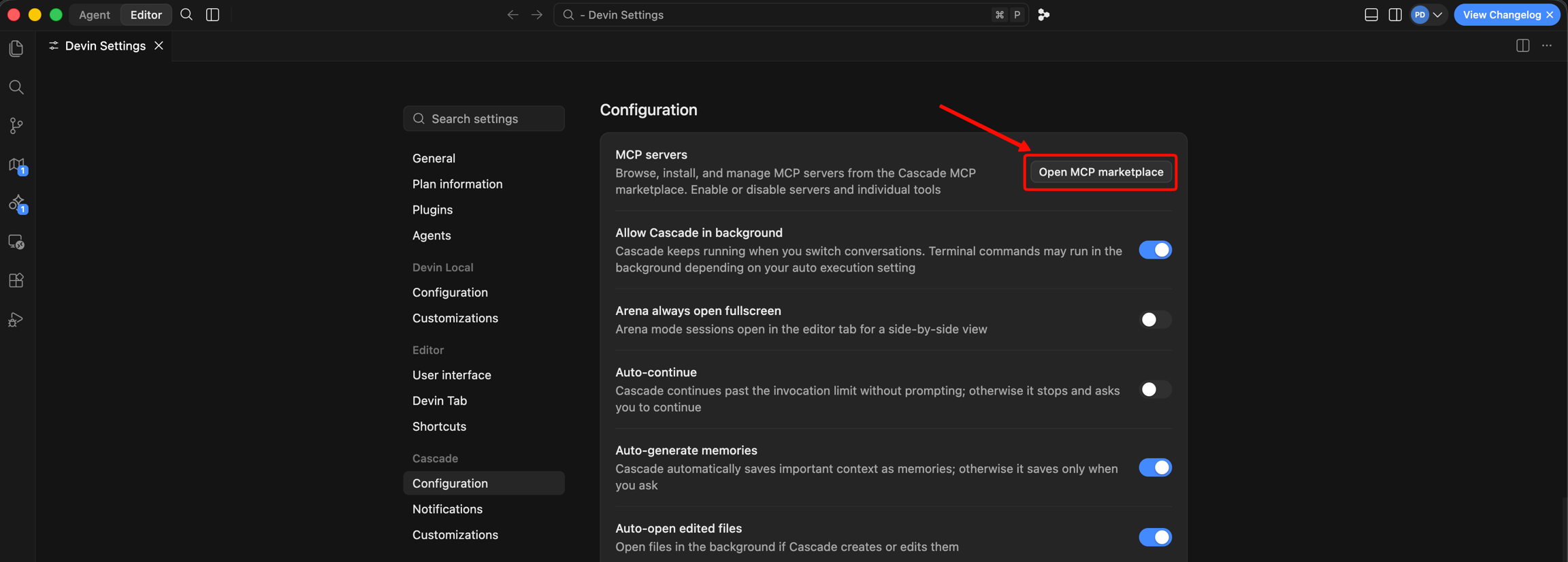
Best for: Teams wanting an agent-first VS Code alternative that runs several agents at once.
Pricing: Free tier, Pro at $20/mo, Max at $200, team plans from $80, and Enterprise.
Standout: A fast in-house model, visual Codemaps, and one surface for local and cloud agents.
Limitation: A brand and roadmap in flux after the acquisition, with the old Cascade engine retiring.
Aider
Aider is the open-source choice for developers who live in the terminal and think in commits. It is an Apache 2.0 command-line pair programmer that works with any model, cloud or local, and treats git as the source of truth, so every change it makes lands as its own commit that you can review, revert, or cherry-pick. Its architect mode pairs a reasoning model for planning with a faster model for editing, which improves hard tasks while holding down cost, and the project publishes its own polyglot benchmark across six languages that is a genuinely useful signal for picking a model. The tradeoffs are that it has no editor interface, you set up and pay for model access yourself, and its release cadence has slowed while newer open-source agents ship faster, so it rewards developers who want scriptable control over a polished surface. A cheaper reasoning variant often runs a good deal less for a small accuracy give-up, and a checked-in .aider.conf.yml file turns your AI-coding policy into version-controlled team practice.
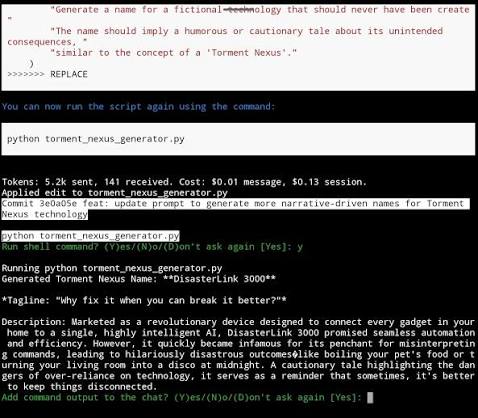
Best for: Developers who want open-source, scriptable CLI control with no editor lock-in.
Pricing: Free and open source, so the only running cost is the model API you point it at.
Standout: Git-native commits on every change, with bring-your-own-model freedom across cloud and local LLMs.
Limitation: No editor interface, and you configure and pay for model access yourself.
Amazon Q Developer
Amazon Q Developer is the tool for teams whose center of gravity is AWS, with an important caveat about its future. Formerly CodeWhisperer, it brings deep knowledge of AWS services, so it can reason about CloudFormation, Lambda, and IAM in a way general assistants cannot, and it adds security scanning, code-review automation, and code transformations like bulk Java version upgrades across VS Code, JetBrains, Visual Studio, and the CLI. A perpetual free tier and a flat $19 Pro seat with IP indemnity make it easy to trial on real AWS work. The catch is twofold, since its general code generation trails Cursor, Claude Code, and Copilot outside the AWS ecosystem, and AWS is steering new users toward a successor, Kiro, having reportedly closed new Q Developer signups, so a team adopting it today should confirm the migration path before committing. The free tier's ceiling is roughly fifty agentic requests a month, and Kiro itself leans toward spec-driven development rather than the inline suggestions Q Developer was built around.
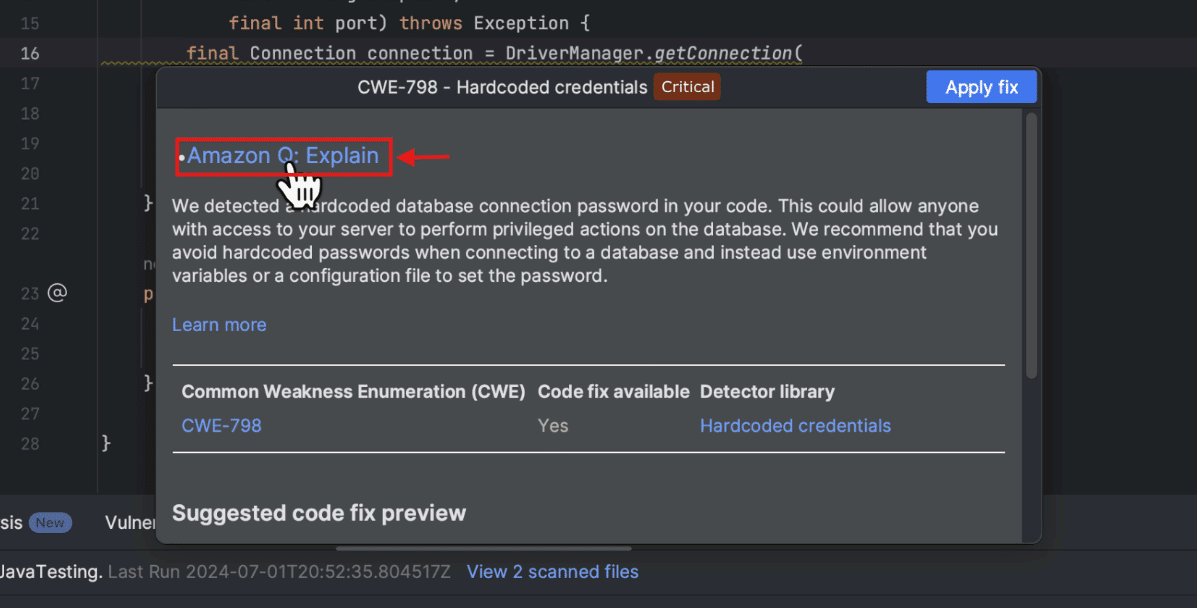
Best for: AWS-heavy teams that want cloud-aware suggestions and infrastructure help.
Pricing: Perpetual free tier for individuals, with Pro at $19/user/mo.
Standout: Deep AWS service knowledge, security scanning, and automated Java version upgrades.
Limitation: Weaker general code generation outside AWS, and a pending transition to its successor Kiro.
Tabnine
Tabnine is the pick when code cannot leave your walls. It is a privacy-first platform built for teams that must keep source in-house, and it is the only mainstream tool here with a fully verified air-gapped deployment, alongside SaaS, private-cloud, and on-premises options. Zero code retention, IP indemnification, private models that never train on your code, and the ability to fine-tune on your own codebase are the reasons regulated organizations in finance, healthcare, and government reach for it, and it can run against your own model endpoint. The trade is focus and price, since Tabnine retired its free tier and now sells only to teams, so its entry seat costs the same as a rival's top enterprise plan, which puts it out of reach for individual developers by design. Pointing Tabnine at your own model endpoint runs unlimited with no per-token metering, unlike rivals whose every plan carries a monthly credit ceiling, and that single difference is usually why a regulated team picks it.
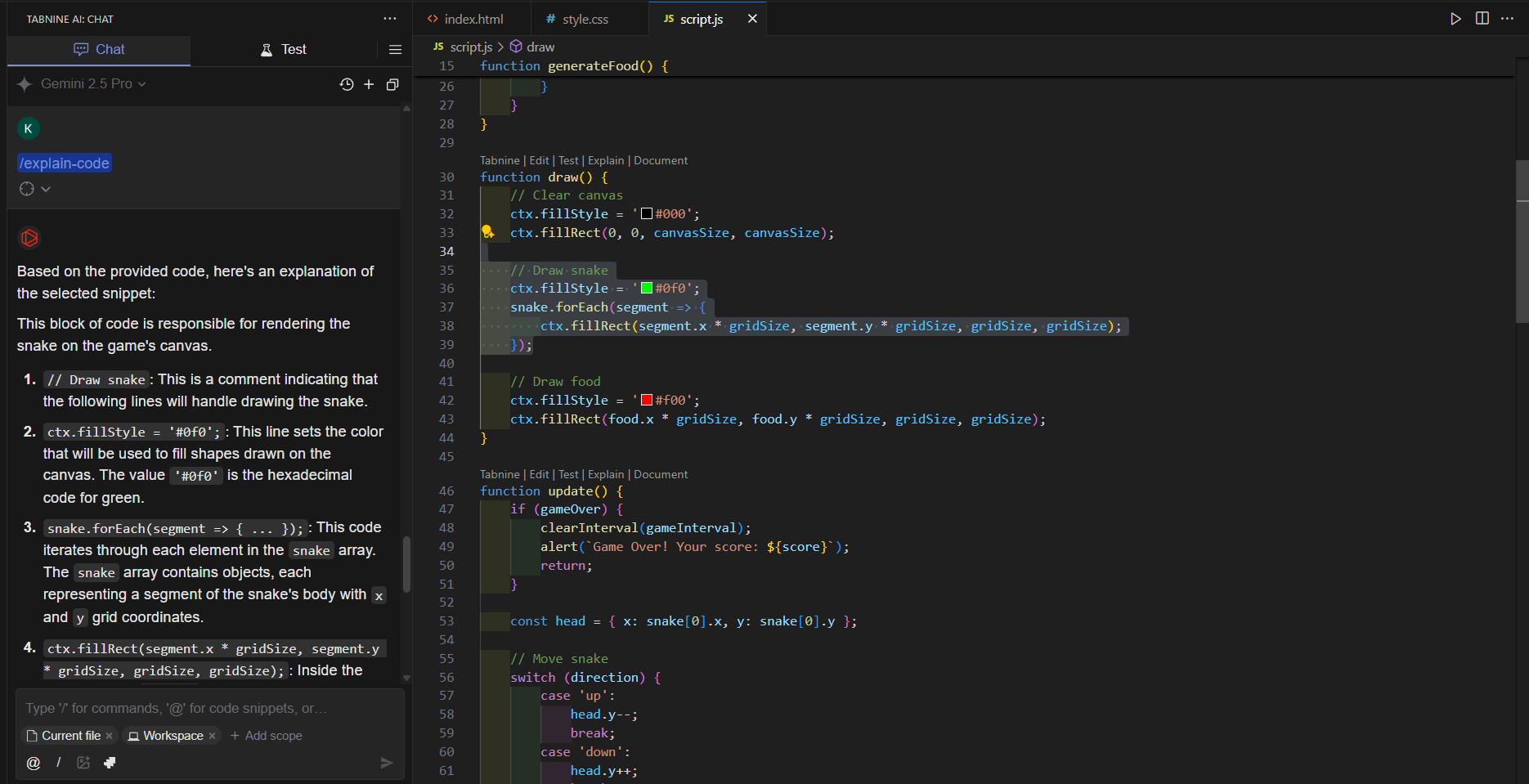
Best for: Privacy-sensitive and regulated teams in finance, healthcare, and government.
Pricing: No free plan, with Code Assistant at $39/user/mo and an Agentic tier at $59/user/mo, billed annually.
Standout: Fully air-gapped self-hosting, zero code retention, and unlimited bring-your-own-model use.
Limitation: No free or individual plan, and an enterprise-only focus and price.
How to Choose
Start from your hardest constraint rather than a benchmark score, since code quality is close across the leaders and the tool that fits your workflow is the one that actually saves time. Free tiers make this cheap to test, because Copilot, Windsurf, Amazon Q, and open-source Aider all let you start at no cost.
Your situation | Pick this |
You want agentic multi-file editing inside an editor | Cursor |
You work in a large repo or backend, terminal-first | Claude Code |
You want the lowest cost and the widest IDE support | GitHub Copilot |
You want an agent-first VS Code alternative | Windsurf (Devin Desktop) |
You want open-source, scriptable CLI control | Aider |
Your stack is AWS-heavy | Amazon Q Developer |
Code must stay in-house or air-gapped | Tabnine |
Here is the full picture across every tool this roundup covered.
Tool | Category | Pricing | Free tier | Deployment | Standout | Main weakness | Best for |
Cursor | AI-native editor | Free to $200/mo, teams from $40 | Yes, Hobby | Cloud | Codebase-aware agent in the editor | Separate editor, agent credit cost | In-editor agentic editing |
Claude Code | Terminal agent | $20 to $200/mo, or per-token API | No | Cloud | Deepest autonomy, top benchmark | Terminal learning curve, token cost | Large codebases and backend |
GitHub Copilot | IDE assistant | Free, $10 Pro, $19 to $39 team | Yes | Cloud | Widest IDE reach, issue-to-PR | Agent less autonomous, metered | Low cost and broad IDE support |
Windsurf (Devin Desktop) | Agent-first editor | Free, $20 Pro, $200 Max, teams from $80 | Yes | Cloud | Fast in-house model, agent manager | Brand and roadmap in flux | Running several agents at once |
Aider | Terminal agent, OSS | Free, you pay the model API | Yes, open source | Local, BYO model | Git-native, model-agnostic | No UI, self-managed models | Scriptable open-source CLI control |
Amazon Q Developer | Enterprise IDE assistant | Free, $19/user Pro | Yes | Cloud | AWS knowledge, security scanning | Weak outside AWS, moving to Kiro | AWS-heavy teams |
Tabnine | Enterprise, self-hosted | $39 to $59/user, no free plan | No | SaaS to air-gapped | Air-gapped, zero code retention | Enterprise-only, no free tier | Privacy-sensitive regulated teams |
Bottom Line
For most developers, Cursor is the top pick, the AI-native editor with the strongest in-editor agent, and Claude Code is the runner-up when the codebase is large and repo-wide reasoning is the hard part. Past those two, choose by your sharpest constraint, GitHub Copilot for cost and reach, Aider for open-source control, Amazon Q for AWS-heavy stacks with an eye on its Kiro transition, and Tabnine for strict privacy and air-gapped deployment. Start from the job and the free tiers, and let a week on your own code settle it.
FAQ
What is the best AI coding assistant for large codebases?
Claude Code is the strongest pick for large codebases, since it reads the whole repository from the terminal, reasons across many files, and sits at the top of the SWE-bench Verified benchmark. Cursor is a close second for in-editor work on big projects, with codebase indexing and a multi-file agent. Both handle repo-wide context far better than editor tools built around inline suggestions.
What is the best free AI coding assistant?
For a free start, GitHub Copilot's free tier and Windsurf's free plan are the easiest entry points, while open-source Aider is free to run and you pay only for the model API you choose. Amazon Q Developer also offers a perpetual free tier for individuals, which is enough to evaluate it on real AWS work. Tabnine is the exception here, since it retired its free tier and now sells only to teams.
Cursor or GitHub Copilot, which should I pick?
Pick Cursor if you want an AI-native editor with a stronger multi-file agent and are willing to switch editors, and pick GitHub Copilot if you want to stay in your current IDE at a lower price with broader editor support. Cursor leans toward autonomy and agentic editing, while Copilot leans toward low-friction, in-place assistance. For a team on a budget across many editors, Copilot is usually the safer default.
What is the best open-source AI coding assistant?
Aider is the strongest open-source option, an Apache 2.0 terminal tool that commits every change through git and works with any cloud or local model. It gives terminal-first developers full control with no editor lock-in, and the only running cost is the model API you point it at. Newer open-source agents have appeared, but Aider remains the git-native veteran with a well-maintained model leaderboard.
What is the best AI coding assistant for privacy and enterprise?
Tabnine is the best pick when code must stay in-house, with air-gapped, self-hosted deployment, zero code retention, and private models that never train on your code. For AWS-heavy enterprises, Amazon Q Developer adds cloud-aware suggestions and security scanning, though its future is tied to its Kiro successor. GitHub Copilot Enterprise fits teams already standardized on GitHub that do not need on-premise isolation.
Is Windsurf now Devin Desktop?
Yes. Cognition, which makes the autonomous agent Devin, acquired Windsurf and rebranded the editor to Devin Desktop in June 2026, and the change arrived as an over-the-air update with settings and extensions carried over. The original Cascade agent is being retired in favor of a rewritten Devin Local, and the product now positions itself as a manager for local and cloud coding agents rather than a plain editor.